
ERP for crusher and concrete plants

One connected system for every plant, order and invoice.

BlueDeck brings sales, purchasing, inventory, weighment, transportation, billing and accounts together, so your plants and your back office work from the same records.

  • Separate, accurate flows for sales and purchases
  • Configured to your plant and billing process

Challenges and value

Plants create records everywhere. Few businesses see them together.

Weighbridge slips, dispatch notes, stock registers, purchase papers and invoices often sit in separate books and sheets. BlueDeck focuses on crusher and concrete plant workflows, so customers, orders, stock, transport and billing reference each other instead of being retyped.

Disconnected records

Weighment, dispatch and stock live in different places.

One connected record set

Orders, weighment, dispatch, stock and billing reference the same entries.

Billing built from cross-checking

Invoices depend on what was actually dispatched.

Invoices from dispatch records

Prepare invoices from challans and orders already captured.

Late visibility of plant activity

Owners learn what happened hours or days afterwards.

Dashboards as records are entered

Plant, stock and receivables views update from the same data.

Month-end reports rebuilt by hand

Summaries are reassembled from scattered records.

Reports from the same records

Filter by plant, customer, supplier and period.

Sales and purchase paperwork mixed together

Customer orders and supplier orders are hard to tell apart.

Separate sales and purchase flows

Each has its own documents, both feed one set of accounts.

Solutions by business type

Crusher plants and concrete plants need different things.

A crusher plant produces to stock and sells by weight. A concrete plant batches to order and delivers by volume. BlueDeck is configured around that difference.

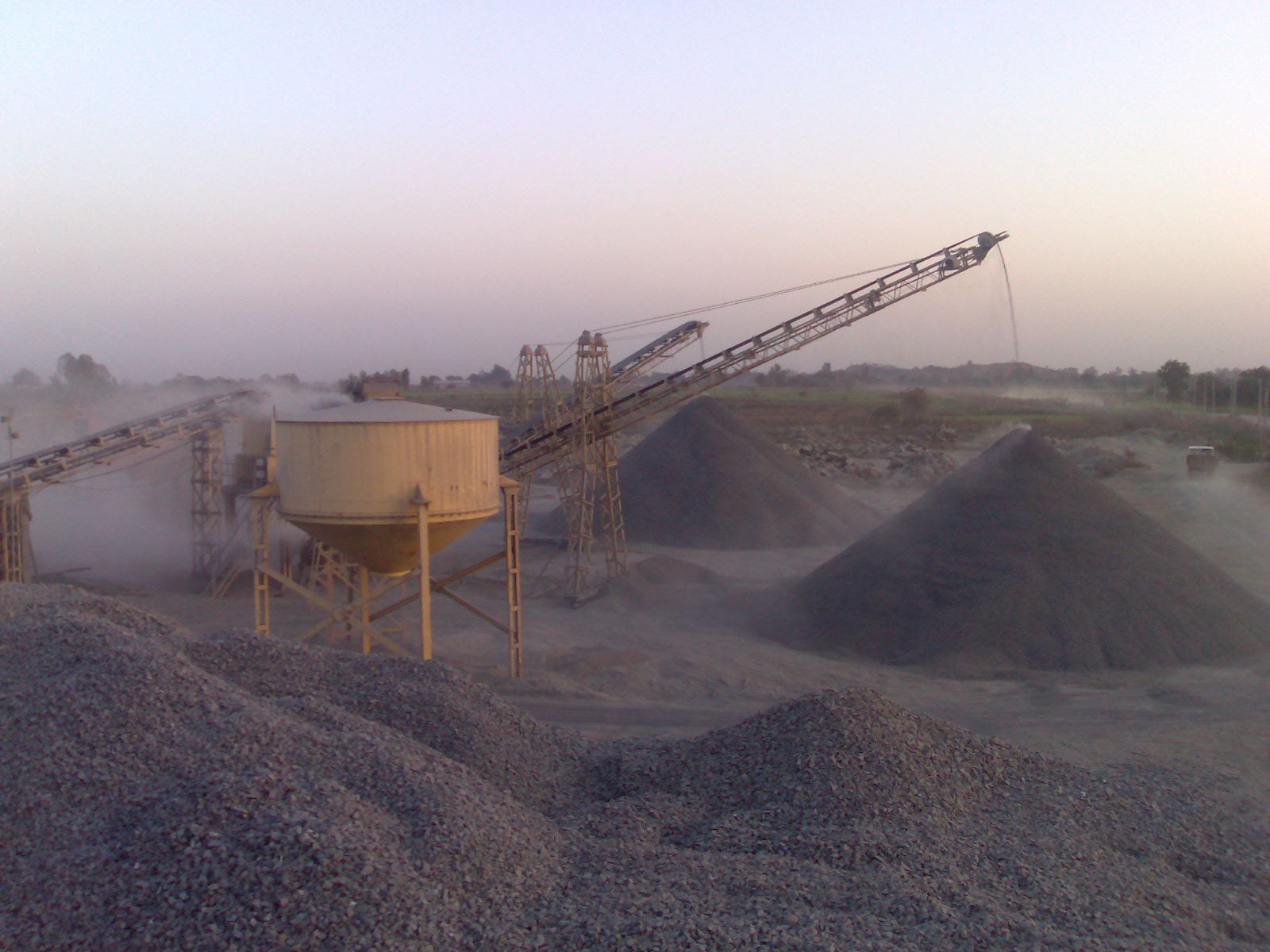
Crusher plant with conveyors and aggregate stockpiles at dusk

Crusher Plant ERP

Follow material from intake to stockpile to the customer's invoice, with a record at each step.

  • Production records by plant and shift
  • Grade-wise stock, with movements traced to source
  • Weighment, dispatch and challans by vehicle and customer PO
  • Invoicing, receivables and production, sales and stock reports
What matters mostStock by grade, weighbridge volume and vehicle turnaround. Typical path, which varies by plant: crushing and screening, grade-wise stock, weighment, dispatch, invoice.
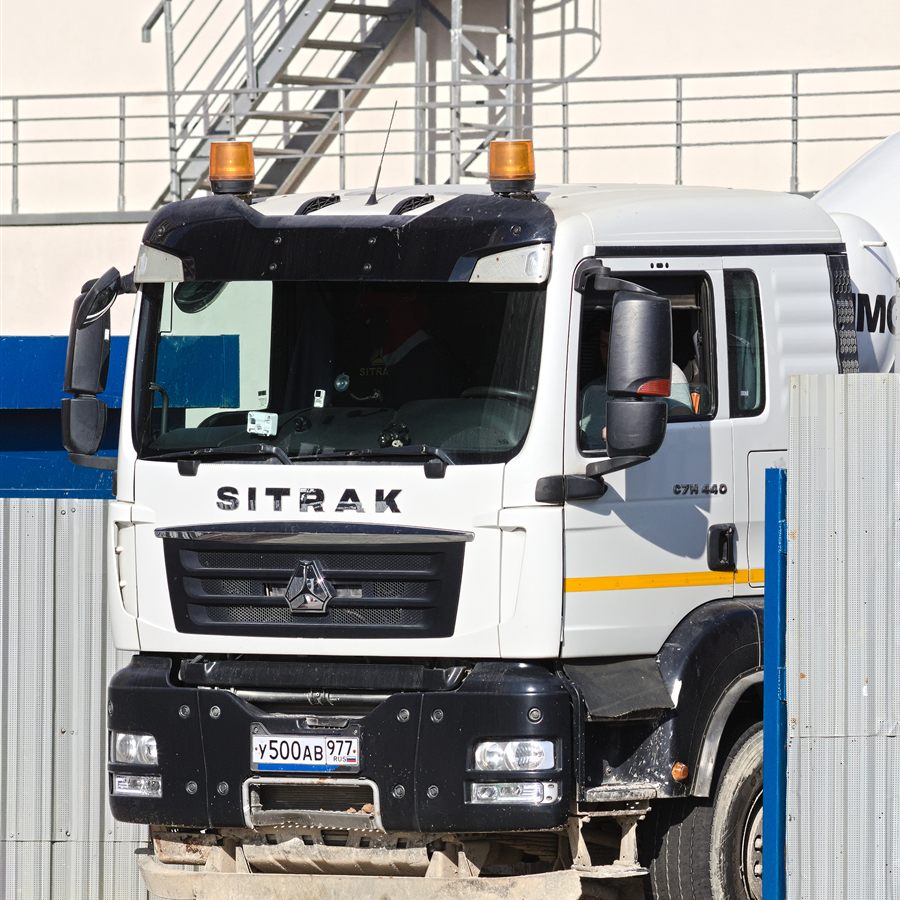
Concrete transit mixer truck leaving a site

Concrete Mixer Plant ERP

Coordinate orders, batching, delivery and billing so the office and the plant work from the same information.

  • Order intake with grade, quantity, site and delivery slot
  • Recipes and batching records for each order
  • Transit mixers and drivers mapped to orders
  • Billing against delivered orders, with credit notes and receipts
What matters mostOrder scheduling, mix recipes and time-sensitive delivery. Typical path, which varies by plant: order scheduling, batching, delivery, invoice.

Running both? Customers, ledgers and reports can be shared across crusher and concrete plants, while each plant uses only the modules it needs.

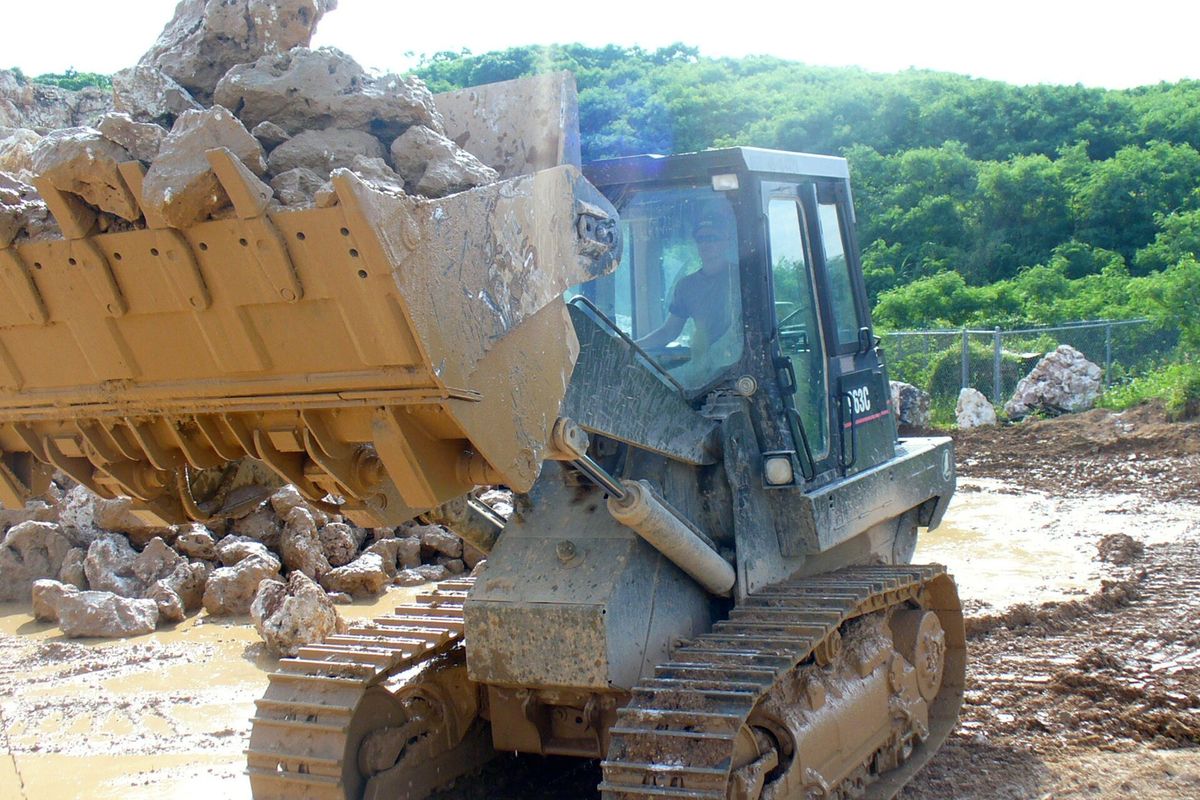
  • Tracked loader lifting a bucket of blasted rock at a quarry
    Loading blasted rock
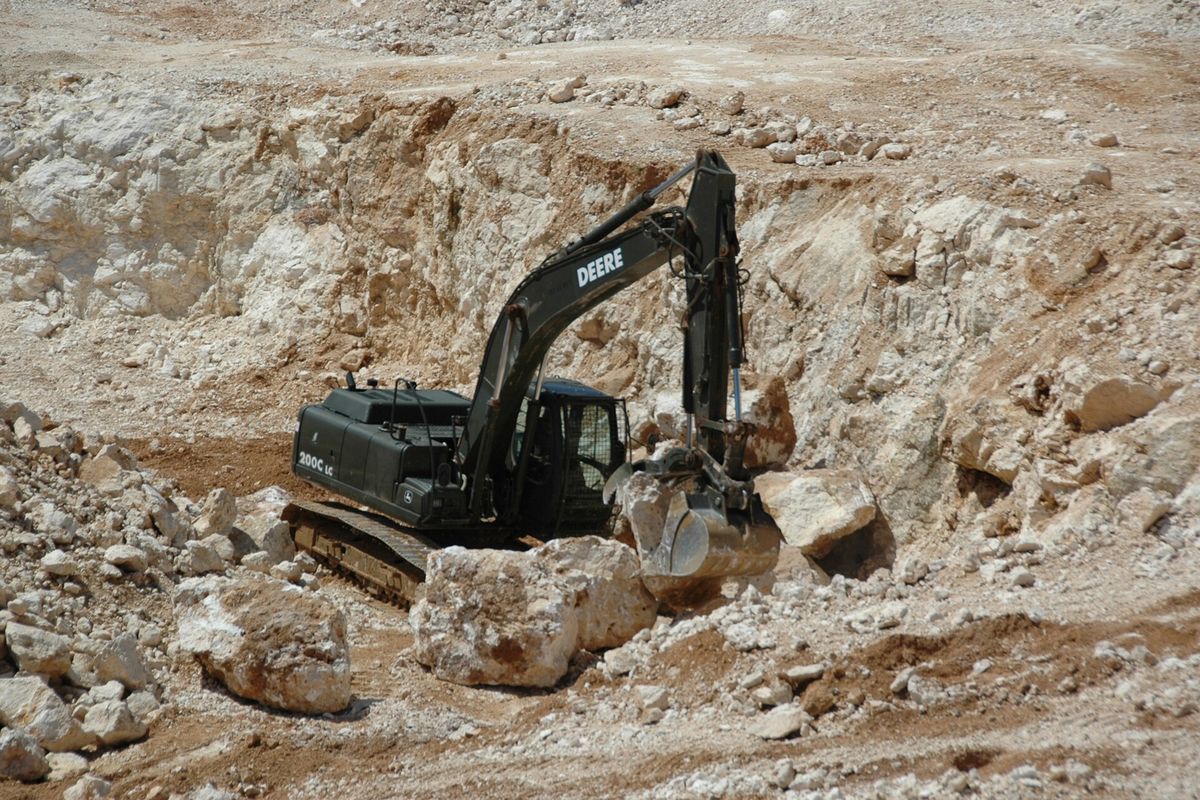
  • Excavator working among large boulders in a limestone quarry
    Quarry excavation
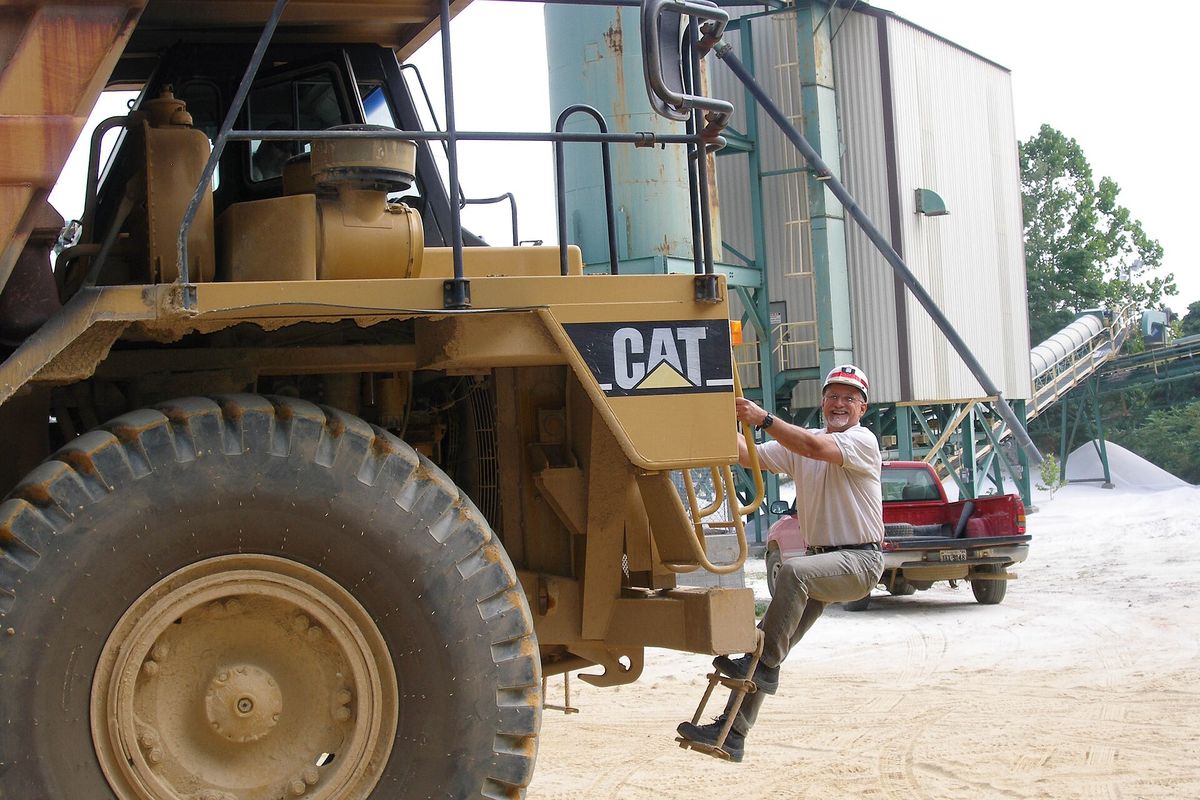
  • Large yellow haul truck beside an aggregate plant
    Aggregate haulage

Workflow explorer

How business transactions relate to each other.

These are separate processes with their own documents, not one compulsory sequence. Choose a view. Dashed lines and borders mark optional steps or steps that apply only where required.

Interactive product tour

Step inside a simulated BlueDeck workspace.

This is a simulation with fixed sample data. It runs entirely in your browser, is not connected to the BlueDeck ERP backend and does not store anything. The filters work on the sample data.

BlueDeck ERP · Simulation Sample data only

Feature showcase

The modules, grouped by who uses them.

These describe intended capabilities. The modules in your setup, and how deep each one goes, depend on the scope agreed with you.

Plant and operations

For plant managers, store and transport teams.

  • Masters and HRMPlants, materials, rates, units, vehicles, users and employee records.
  • WeighmentGross, tare and net weights linked to orders or receipts. Device connection to confirm
  • Inventory and stockGrade-wise stock, movements, adjustments and reconciliation.
  • TransportationVehicles, drivers, vendors, diesel, service and document validity.
  • Recipes and batchingMix designs by grade for concrete plants.
  • SSP barcodesNumbered barcode ranges and their use against transactions.

Sales and purchasing

For sales, dispatch and purchase teams.

  • CRMCustomer details, enquiries, quotations and credit terms.
  • Customer POs and sales ordersOrder confirmation and material planning against the customer account.
  • Delivery challansDispatch documents tied to vehicle, driver, site and material.
  • Invoices and credit notesSales invoices from dispatch records, with credit notes where adjustments are needed.
  • Supplier POs and purchasingApproval, goods receipt and supplier invoice verification, kept separate from sales.

Finance and compliance

For accounts and management.

  • Ledgers and accountingPostings from sales, purchase, receipt and payment documents.
  • Receivables and payablesOutstanding balances, receipt vouchers, payment allocation and ageing.
  • E-invoice and e-way billSeparate tracking of IRN and e-way bill details where applicable. Portal connection to confirm
  • Reports and registersOperational, sales, stock, purchase and accounts reports by plant and period.

Items tagged "to confirm" depend on your equipment, registration and implementation scope. We confirm them during scoping rather than promising them here.

How we work with you

A proposed path from first conversation to daily use.

This is the approach BlueDeck proposes. Timelines and deliverables are agreed with each customer.

  1. Step 1: Understand the workflow

    We learn how material moves, how orders are taken and how billing and reports are produced today.

  2. Step 2: Choose the modules

    Together we select the relevant modules and decide where integrations, such as weighbridges, are needed.

  3. Step 3: Configure the solution

    Master data, plants, materials, rates and reports are set up to match your business.

  4. Step 4: Implement and support

    We help your team start using the system and stay available for questions as usage grows.

Frequently asked questions

Questions buyers usually ask first.

Not answered here? Send us a message and we will respond with details for your business.

Contact and demo request

See BlueDeck against your own workflow.

Tell us about your plants and what you want to see. The demonstration can focus on the modules that matter to your business.

  • A walkthrough focused on your business type
  • Straight answers on scope, customisation and integrations
  • No obligation to proceed

Prefer to reach us directly?
Email bluedecktechnos@gmail.com
Phone 9886162658

Request a demo

Required field

Optional. Include the country code if outside India.

Areas of interest (select all that apply)

Optional. Up to 2,000 characters.

By submitting, you ask BlueDeck Technos to contact you about this enquiry.

Theme settings

Enter the password to change the colour theme.